
macOS 26+ · Available now · Free
Player
Watch it back with its stamps beside the media, and any moment of the event found again.
Open
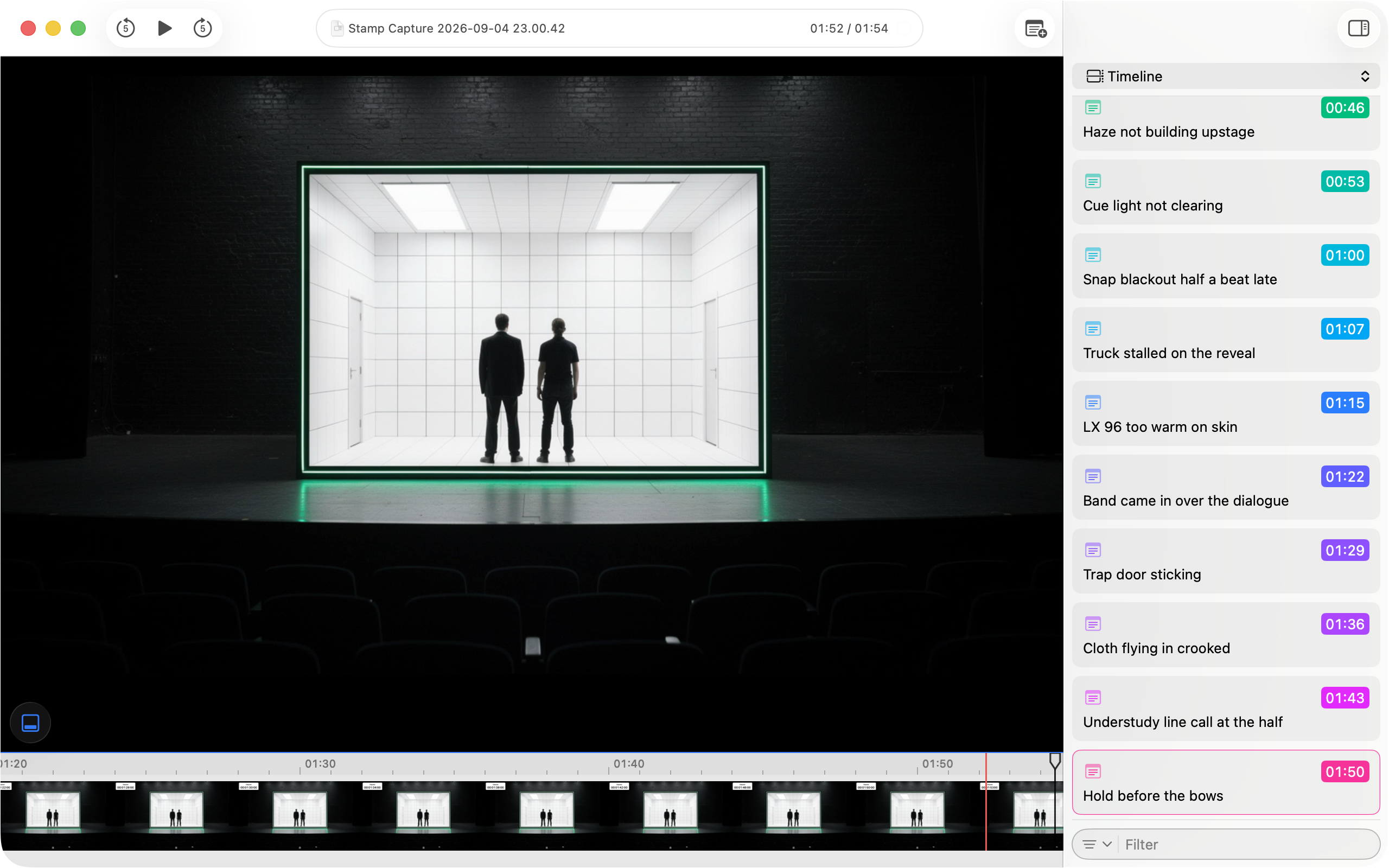
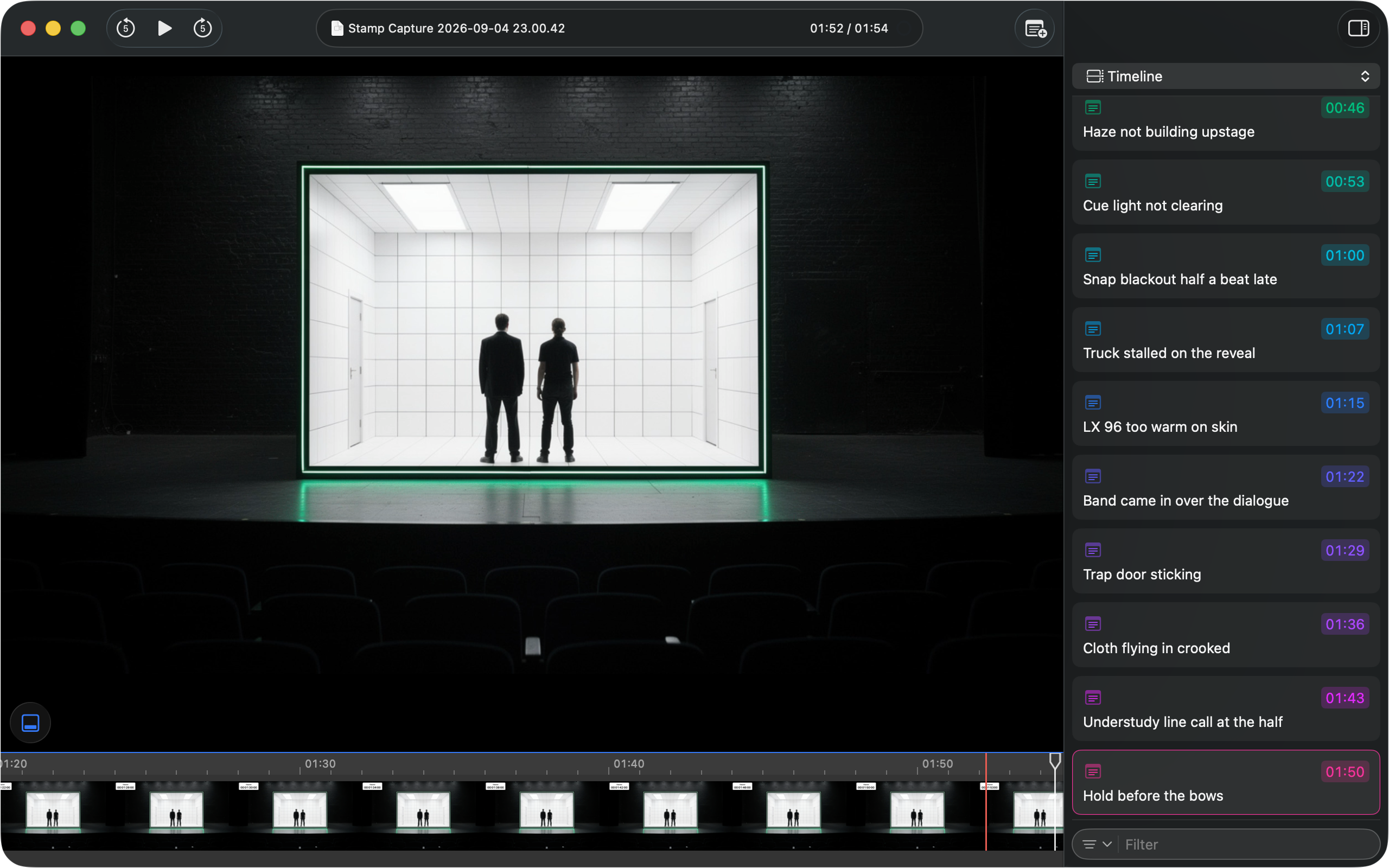
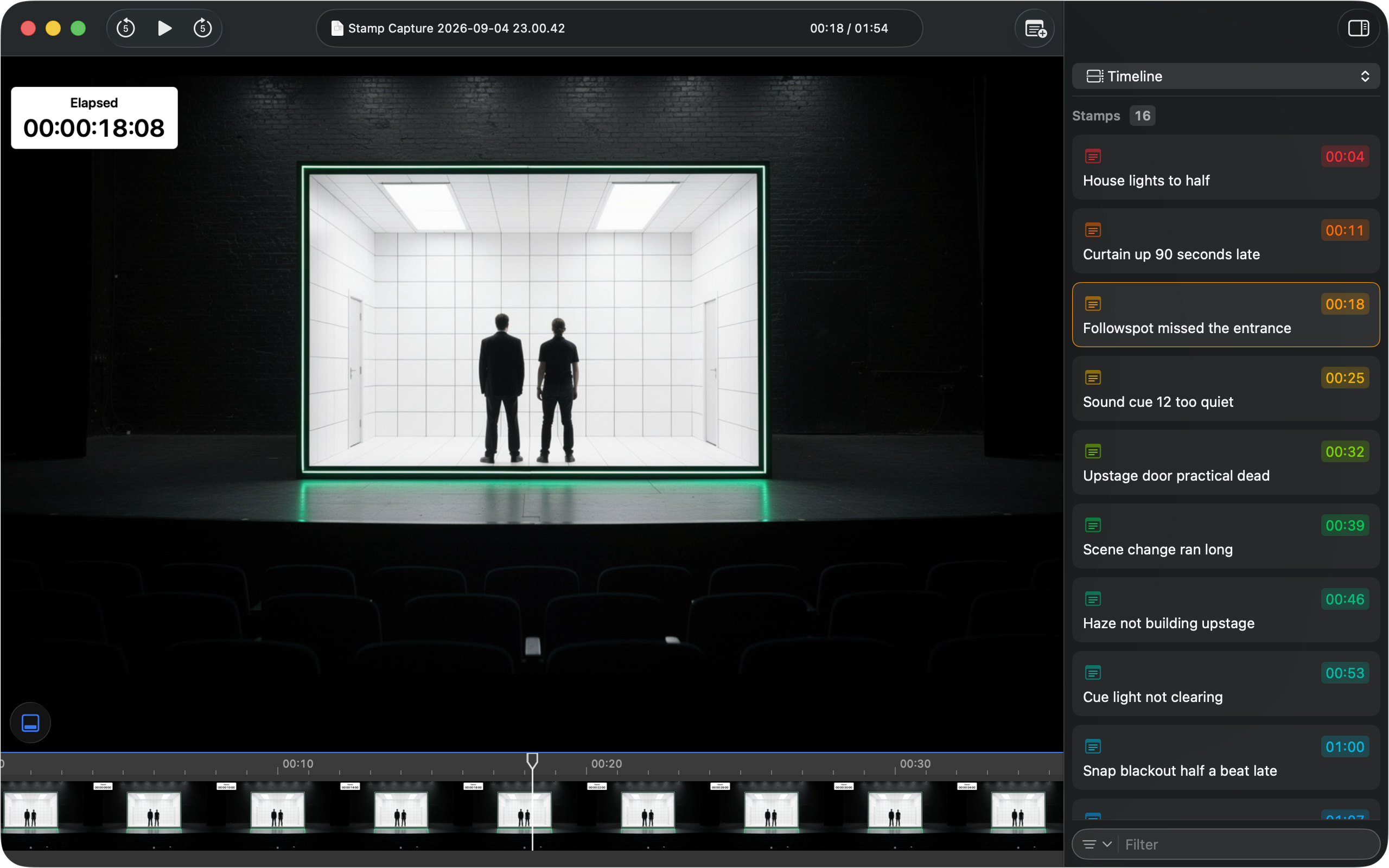
A capture made in Stamp opens with its media, notes and integrations side by side, all on the same timeline they were captured on.
Play
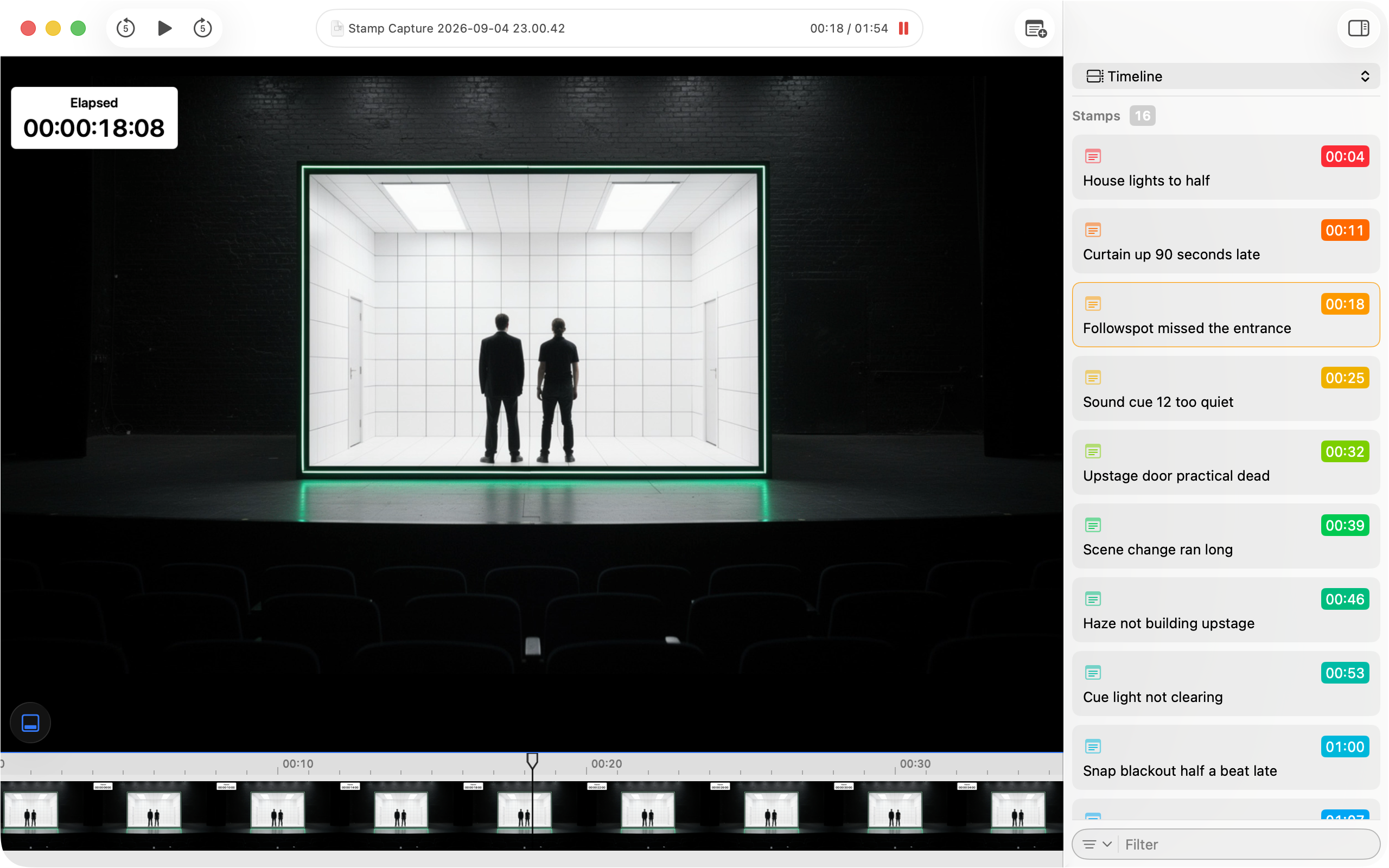
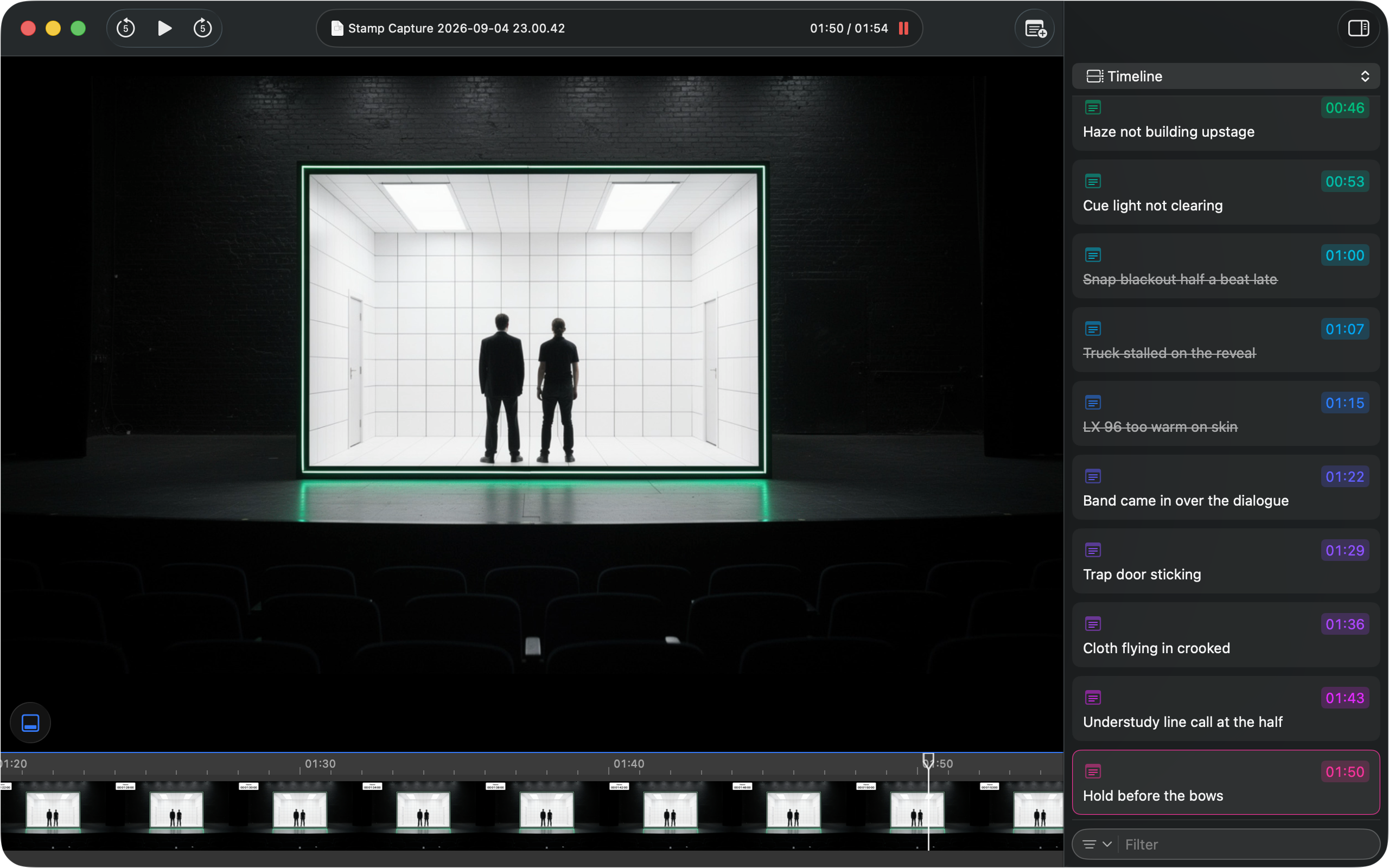
The capture plays with its stamps beside it on one timeline. Jump from one to the next, or click any of them, and the playhead lands on that moment, to the frame.
Find
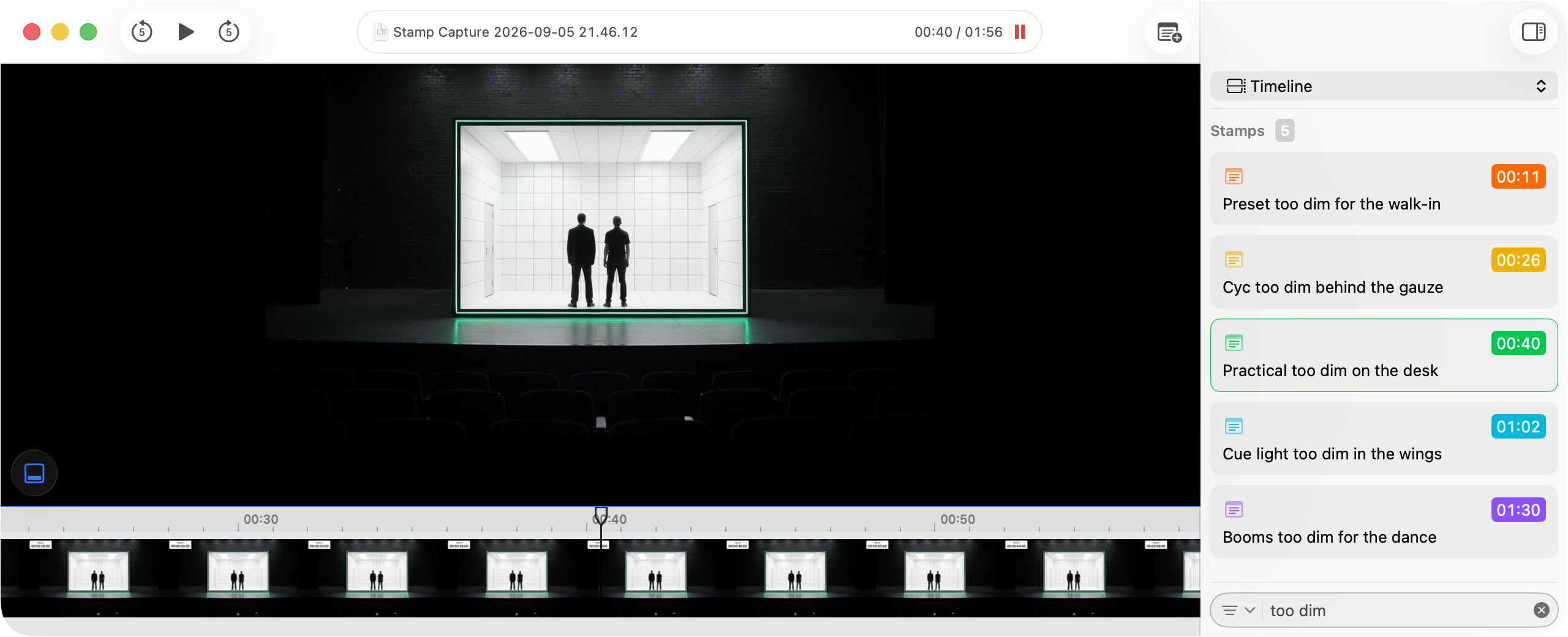
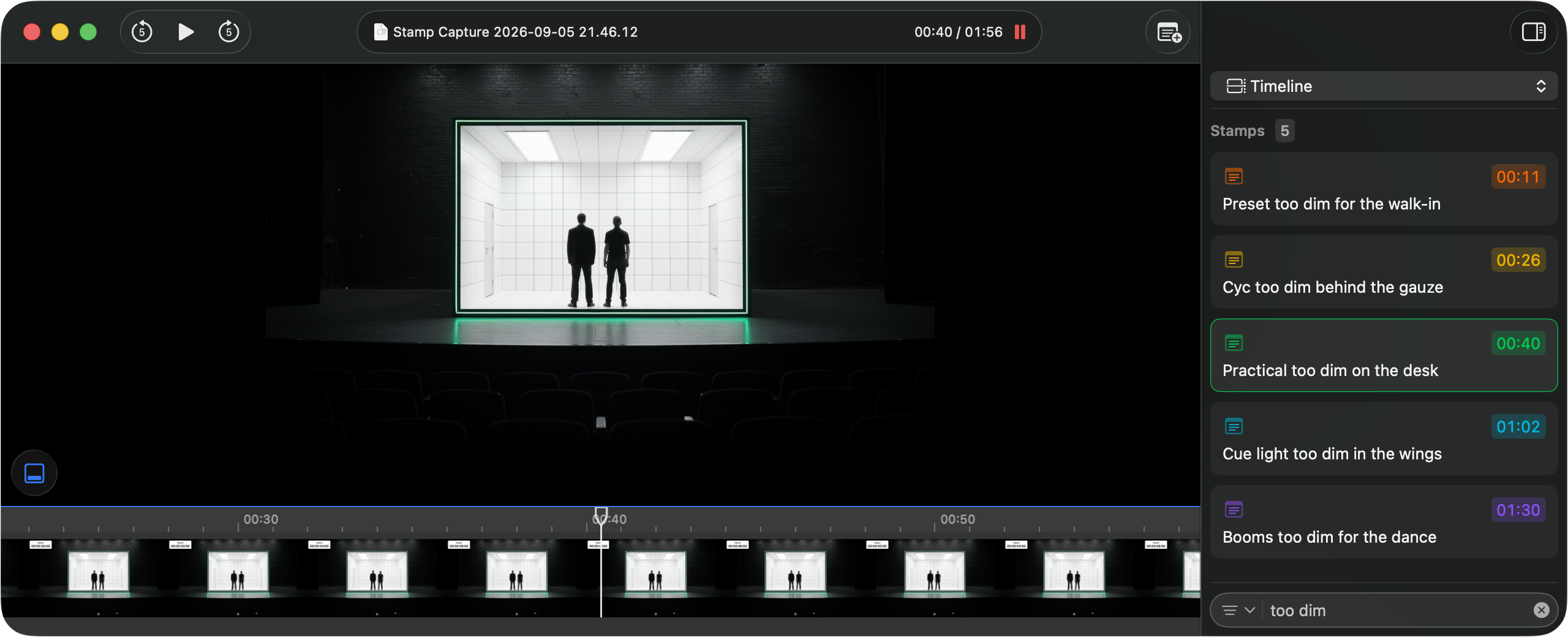
Any note, cue or message is a keystroke away. Type what you remember, keep the stamps that match, and land on the frame it happened on.
Note
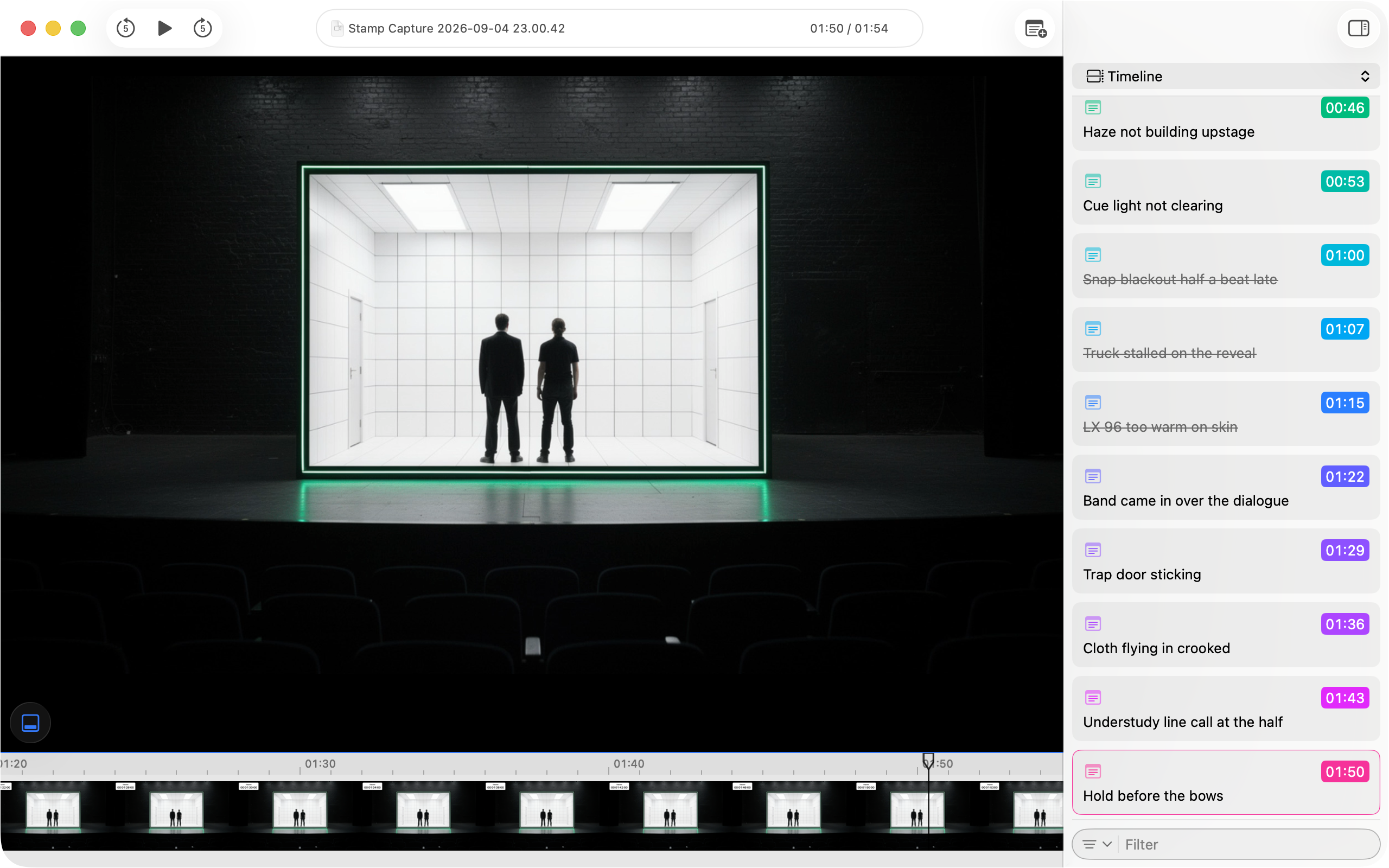
Notes captured live are reviewed, edited and ticked off, and new ones land wherever the playhead sits.
Share
A video and its notes combine into a single .stamp bundle that travels between Macs as one file.
Learn
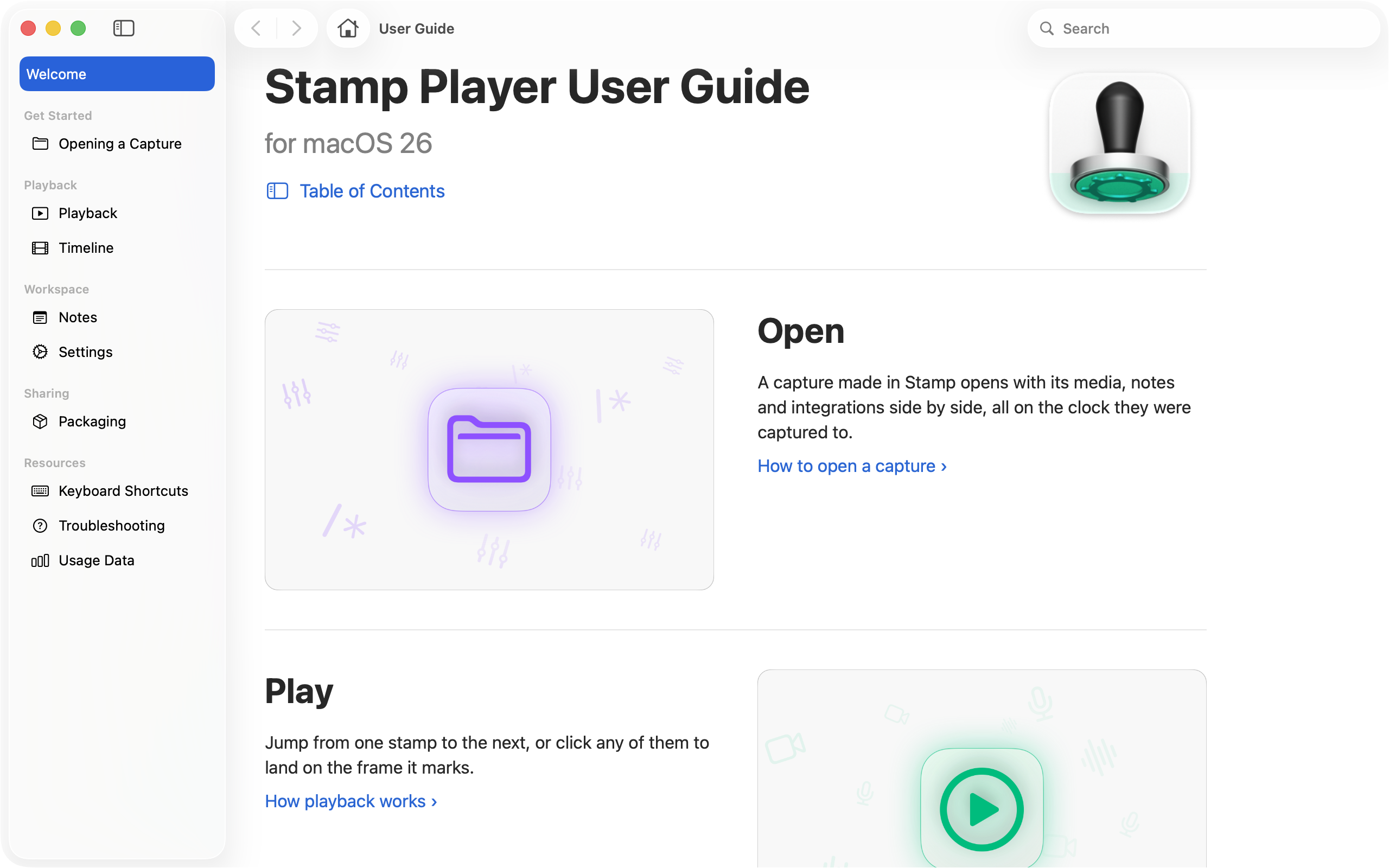
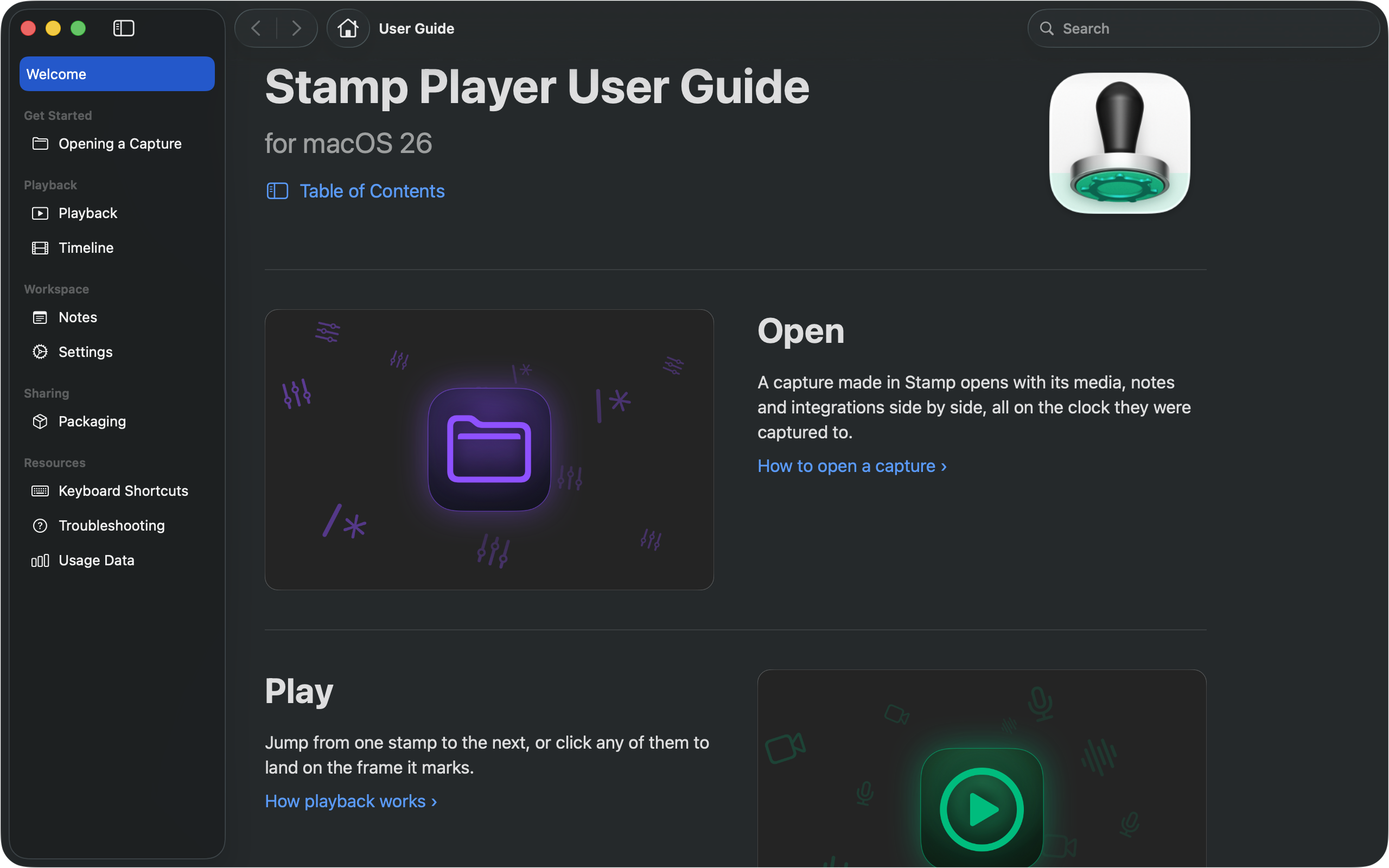
A full User Guide, built into the app. Each window and control explained, with or without a connection.
Integrations & Protocols
Everything else on the network during the event, side by side with the media, a tab for each.
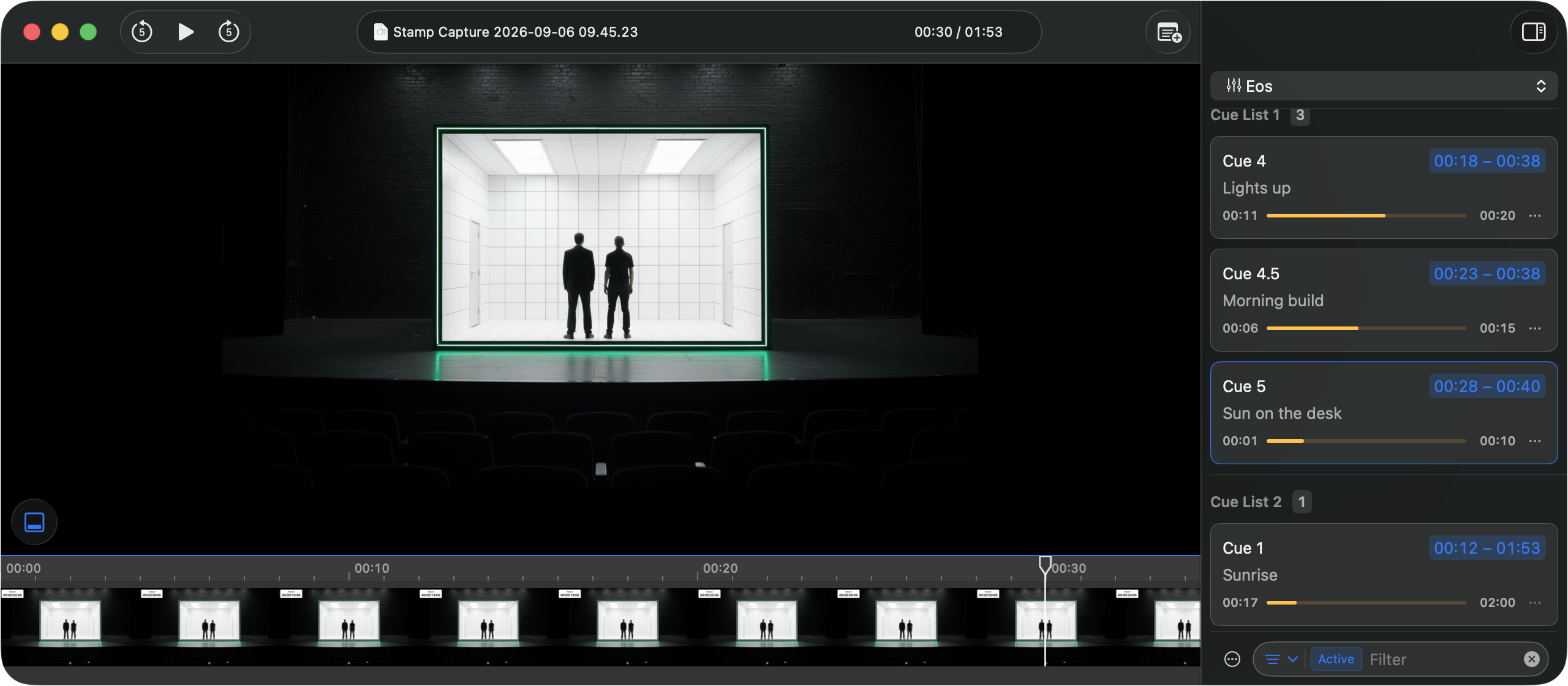
Free to open · Captured in Stamp A playback status for each cue, not a log of fires. Fades, stops and asserts, exactly as the console ran the event. Every message that arrived, address and arguments, stamped to the moment it landed. Each system's address space, on one timeline.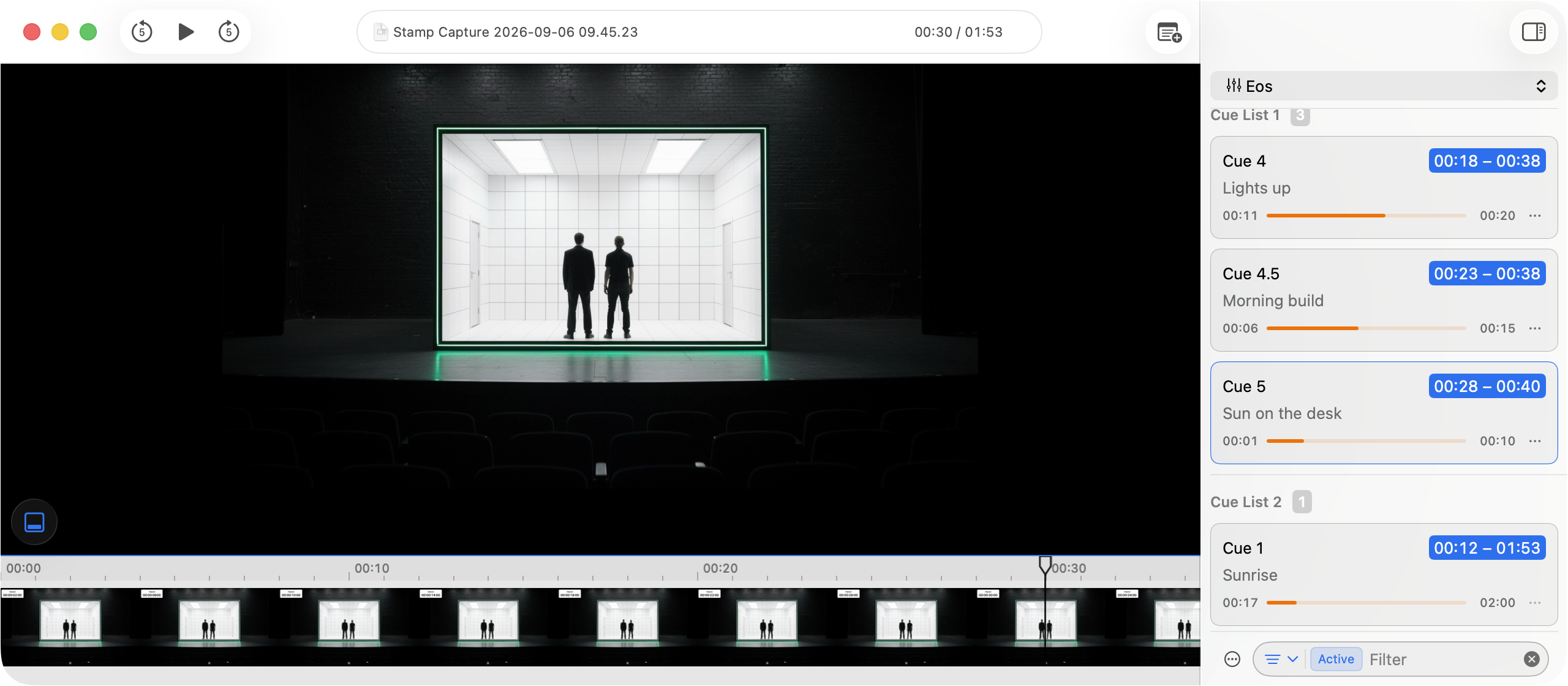
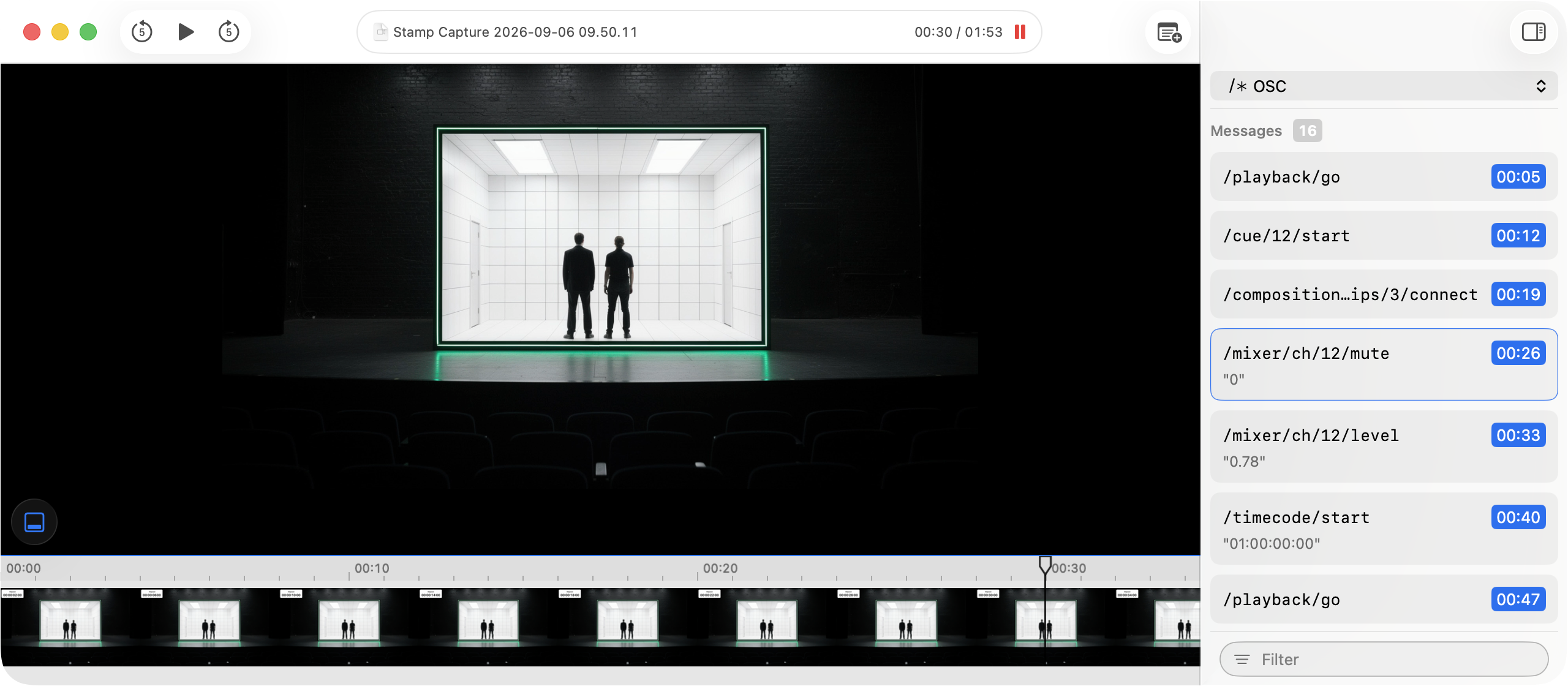
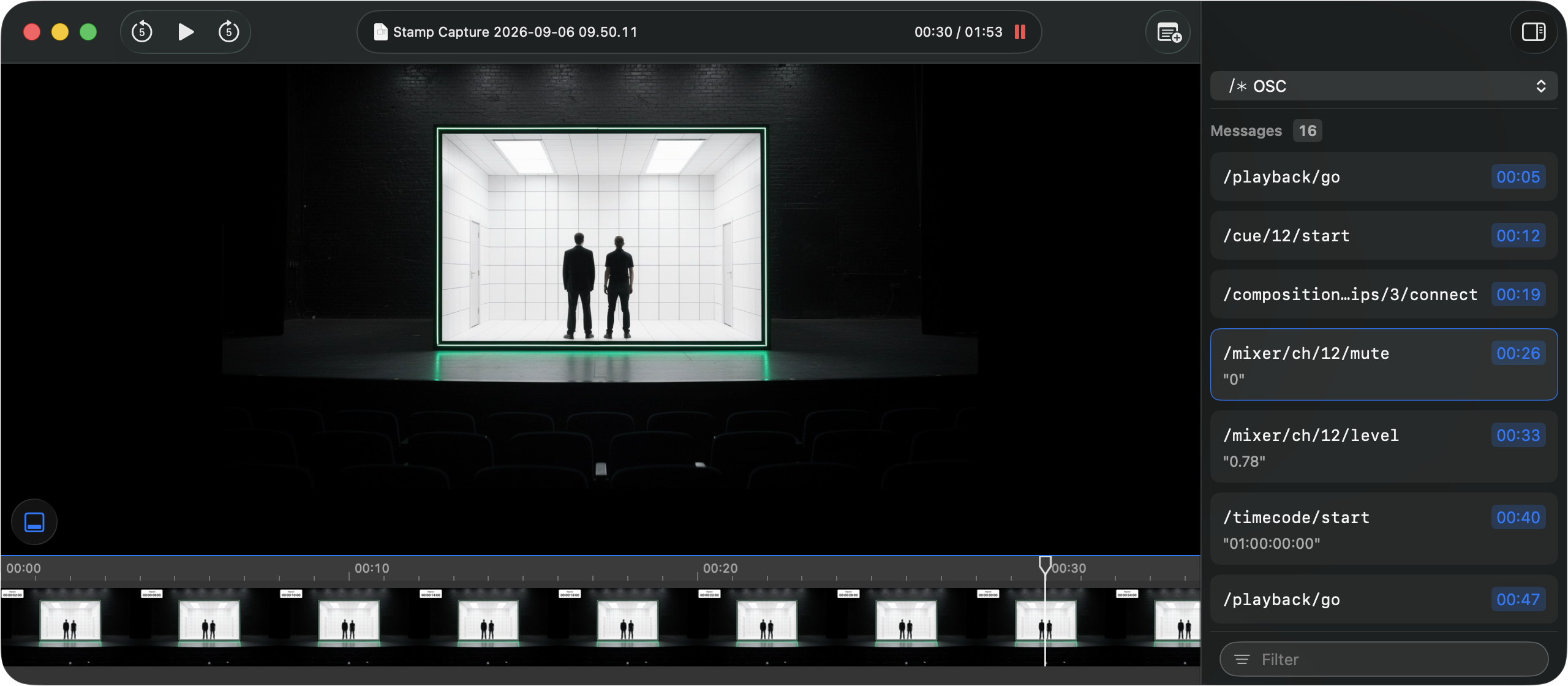
OSC
Press Material
Want to know more about Player? Get in touch with us at press@stamp.xyz. We would love to hear from you. You can also download the press kit to get the logo, app icons and screenshots.
Download the Press Kit ZIP · 20.2 MB
Related Links
App Details
- Player
- Free
- Compatibility
- macOS 26 or later
- Languages
- English